Setting Up DentOwl Notifications
When someone fills out your website contact form in DentOwl, that automatically goes to your practice's intake email. But, how do you get notified on new chats? Or replies to chats? Or anything else in the platform?
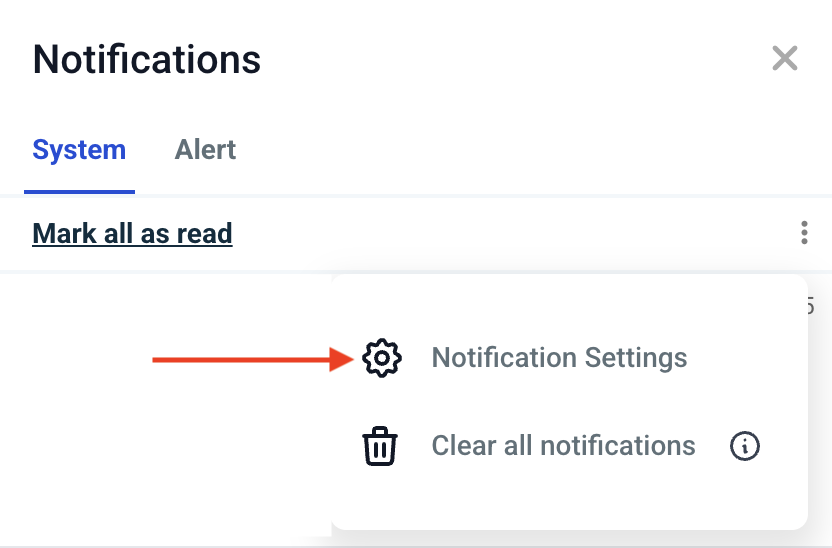
If you log into your DentOwl account, you'll see an orange bell at the top right. Click that, and then click the three dots in the screenshot below and go to Notification Settings.
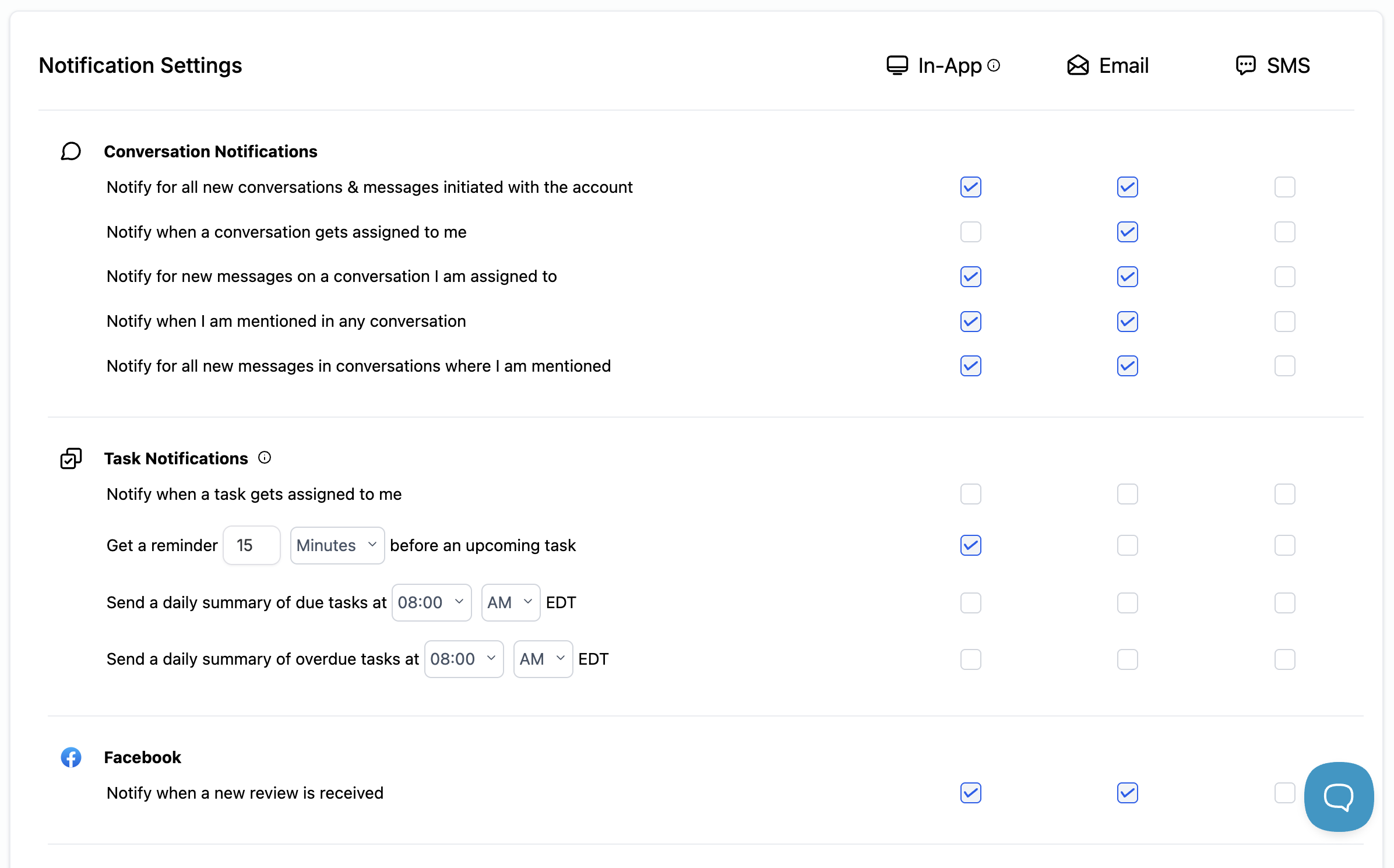
In the next screen, you can set how you'd like to be notified for all types of system events, including Chats/Conversations and different specific situations within those Chats & Conversations. You can also configure things like notifications for new Google Reviews, and Tasks (if you're using tasks within the platform).