
Add DentalScapes To Your Google Business Profile(s)
Management and promotion of your Google Business Profile is critical to your practice's online success.
For each location, DentalScapes will need access to post to, optimize, and manage your profile as a part of your DentalScapes Growth Program.
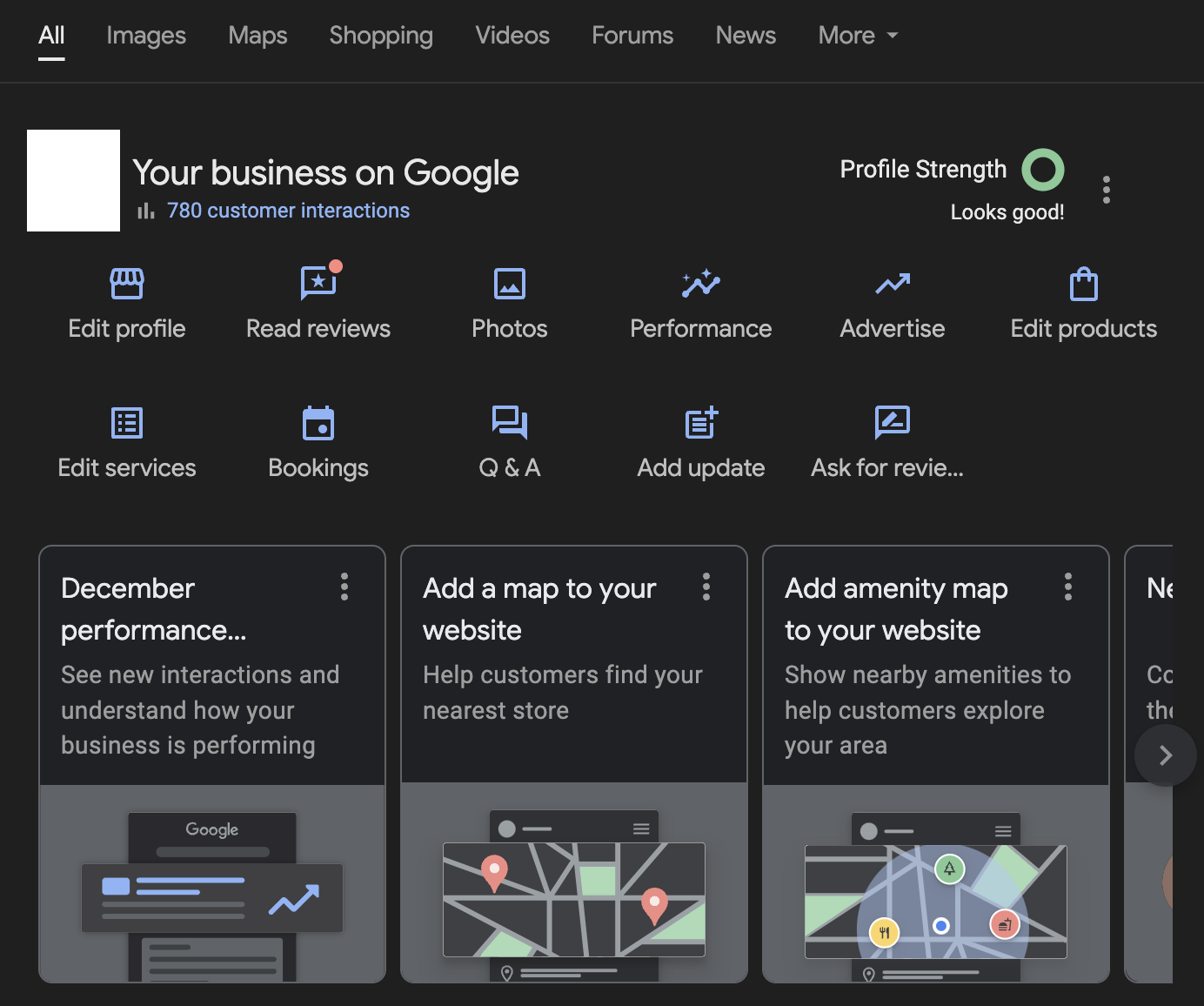
To connect us, search for your practice in Google while you're logged in with the account that owns the profile. You'll see something similar to the result below:
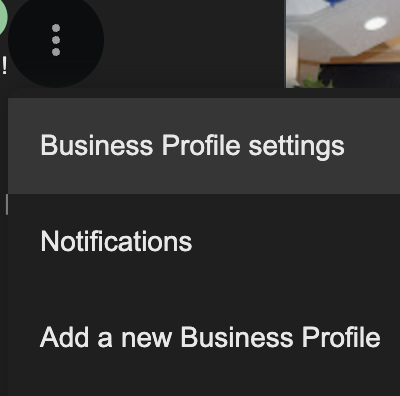
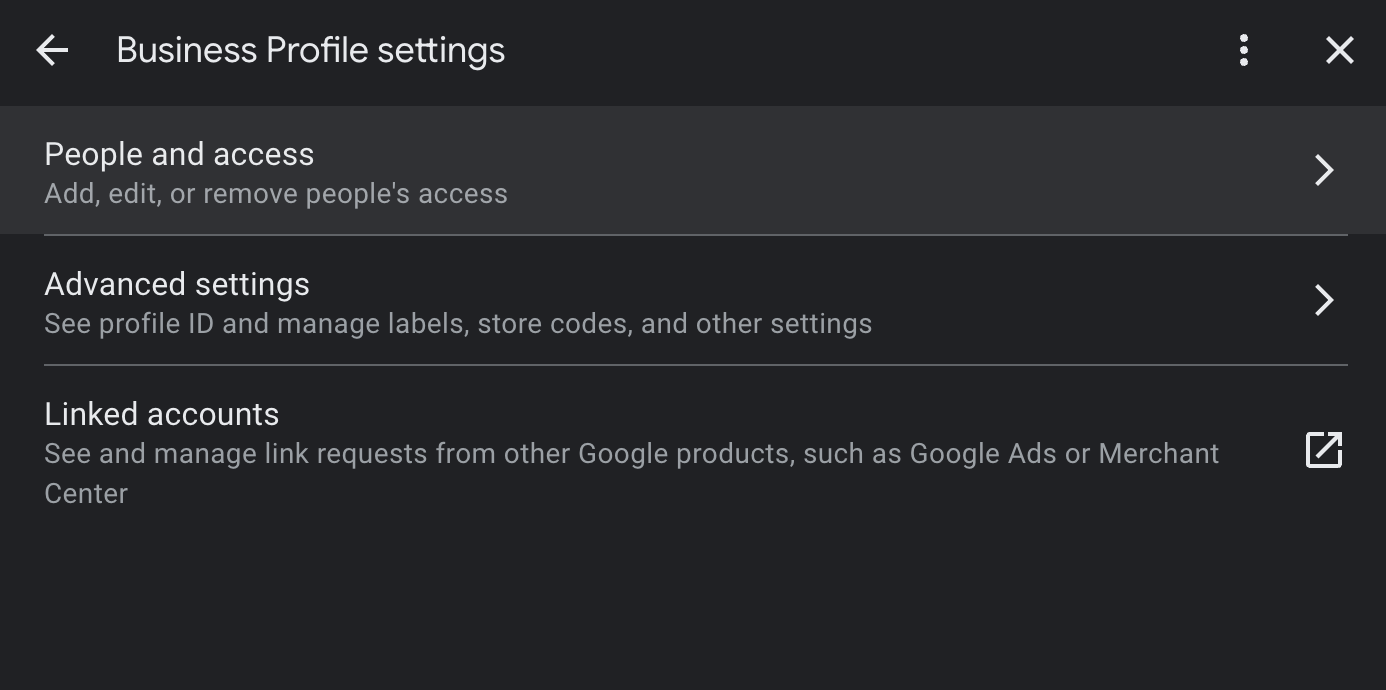
Once you're in there, you'll click "Add" and be prompted to enter the info of a new entity. You will enter the ten digit ID provided by your Client Success Manager, and it will resolve on Google's side to one of our client pods like the below message:
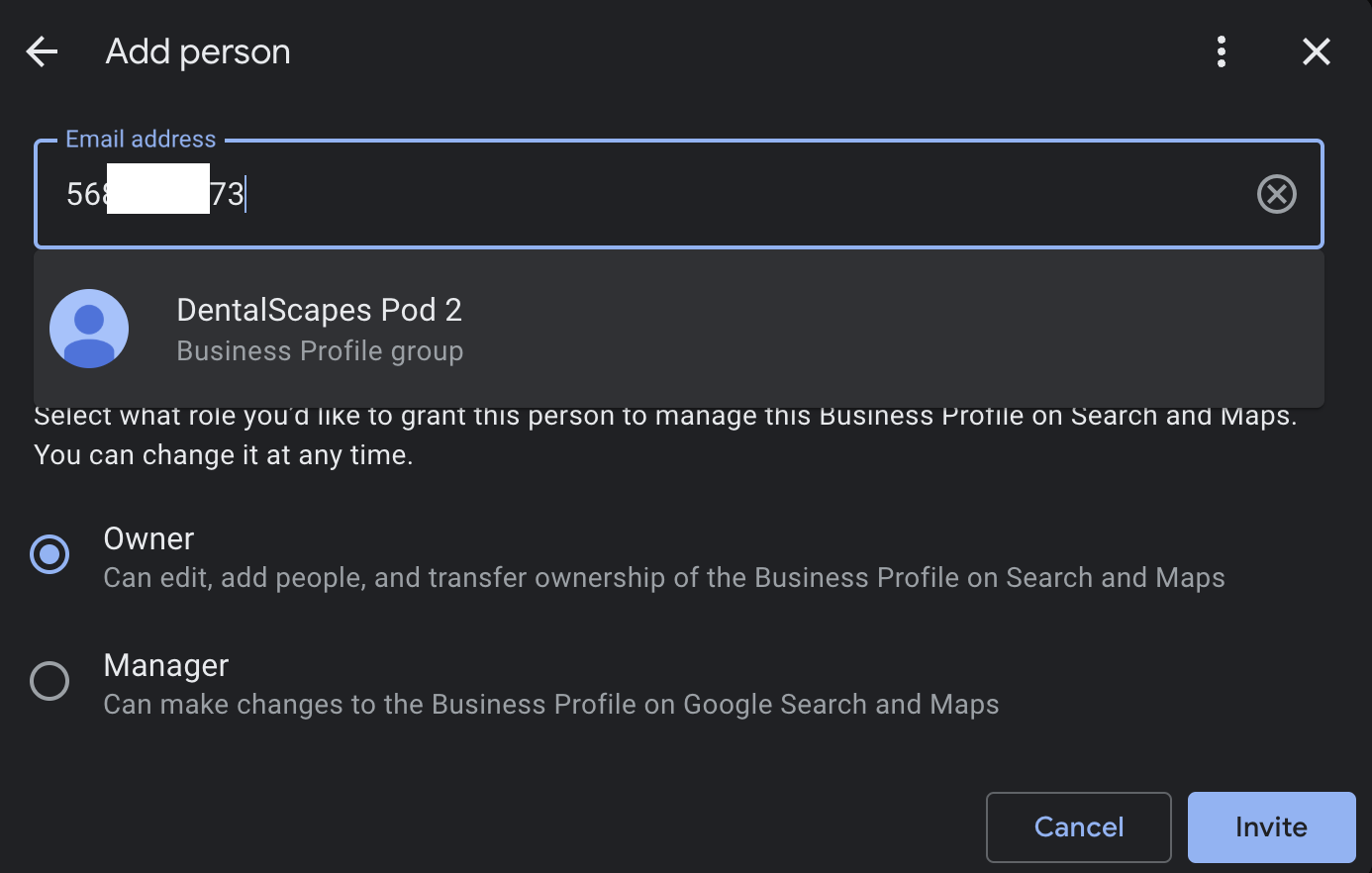
Click on the user that comes up, make sure "Owner" is selected, and then click Invite. Notify your CSM once you've completed this, and that's it! We're all set up to start promoting your practice's Google Business Profile.
Why Owner?
Occasionally, we'll get a question about why we are requesting "Owner" privileges. Owner is actually the middle permissions tier in Google Business Profiles. Primary Owner (should always be you) is the highest, Owner (this is what we request) is the middle, and Manager is the lowest.
If you decide that Manager is the highest you're willing to provide, here's what you lose with that:
- The ability for us to help manage security/members on the profile
- The ability for us to assist with granting permission to any other vendors you may request
- The ability for us to assist with any ownership disputes or false claims to your profile
- The ability for us to approve/deny any algorithm or user-suggested updates to your profile
- The ability for us to delete or merge any duplicated profiles if one happens in the future
- Certain functions like assistance with reverification
- Assistance with structural and account-level emergencies